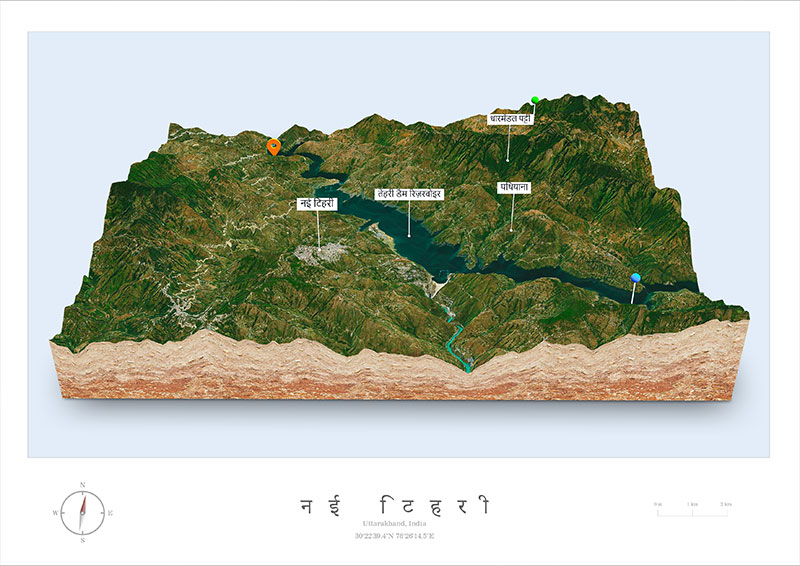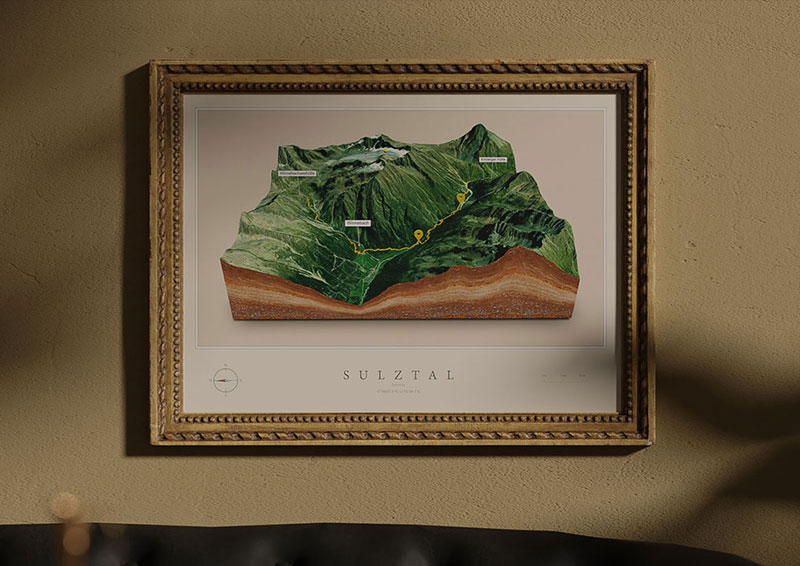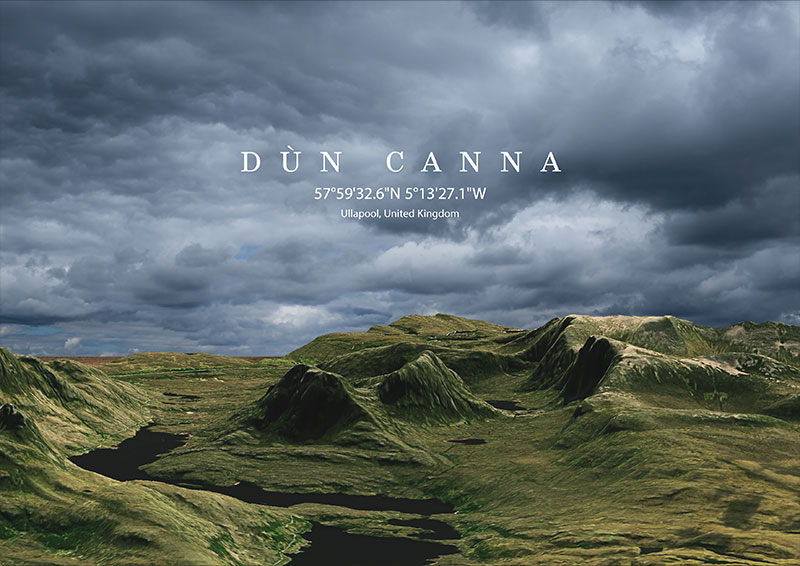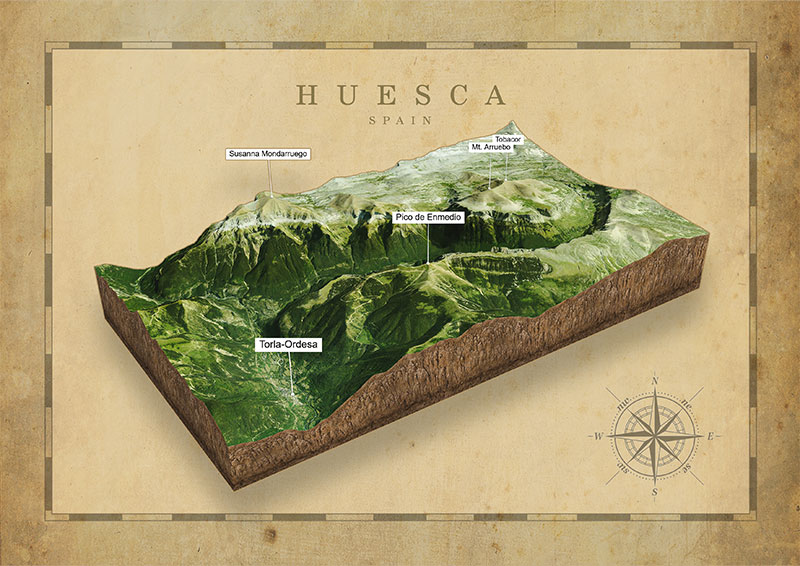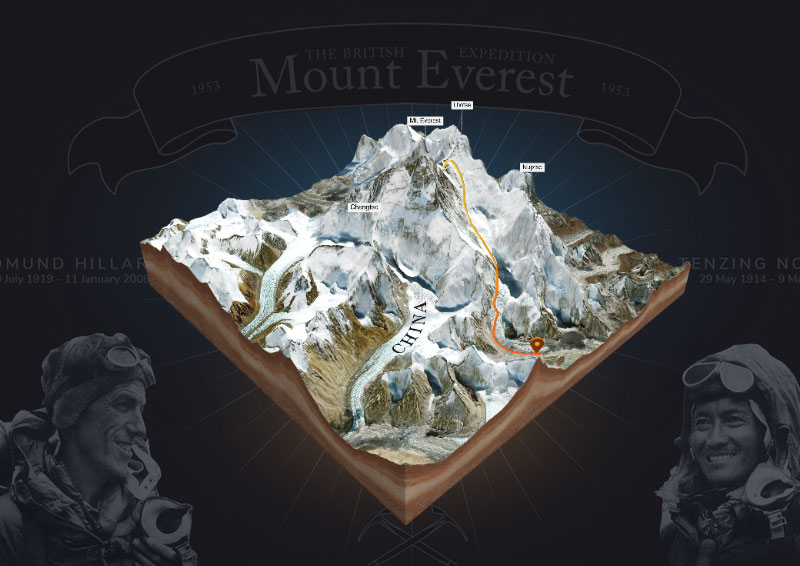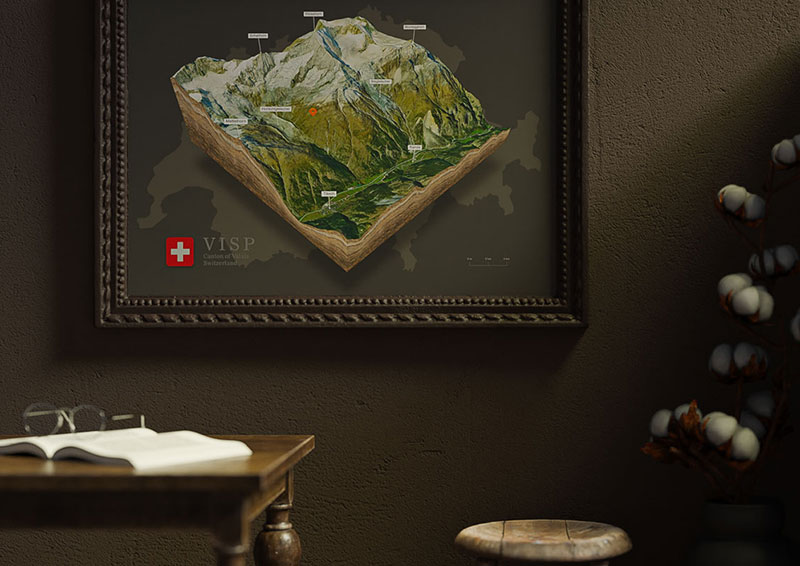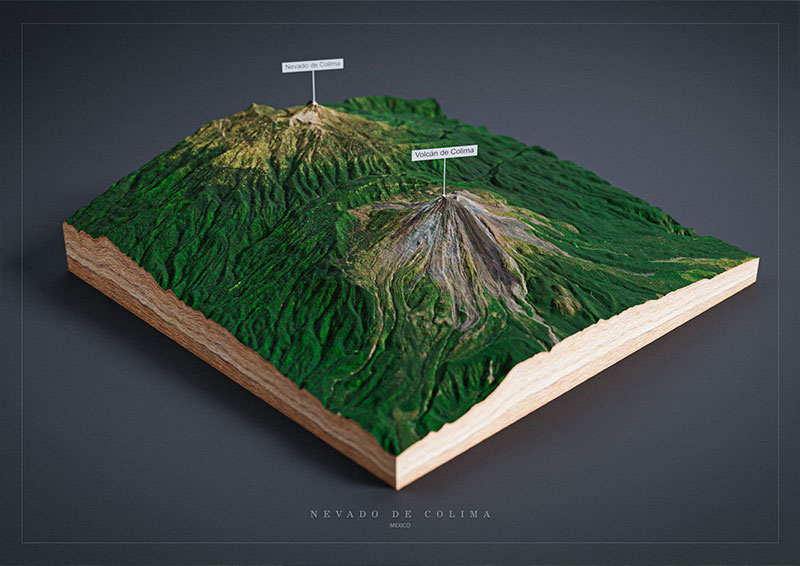








With our 3D Map WordPress Plugin you can import, edit and embed custom 3D maps directly in WordPress without writing any code. The 3D-Mapper plugin for WordPress helps you, whether you are a beginner or an experienced web designer, to easily create a custom 3D maps and add them to your own website – all without any code! With just one click you can import the 3D maps into your WordPress website. The maps still contain all the settings that you previously saved in the Studio editor. However, you can change all parameters (except labels and pins) with the plugin at any time and adapt them to the website.
On Your Website In Minutes
1. Create
Create your individual 3D map in the studio
2. Import
Import your 3D map with just one click into your WordPress website
3. Embed
Embed the final 3D map on your website via shortcode
Plugin Features
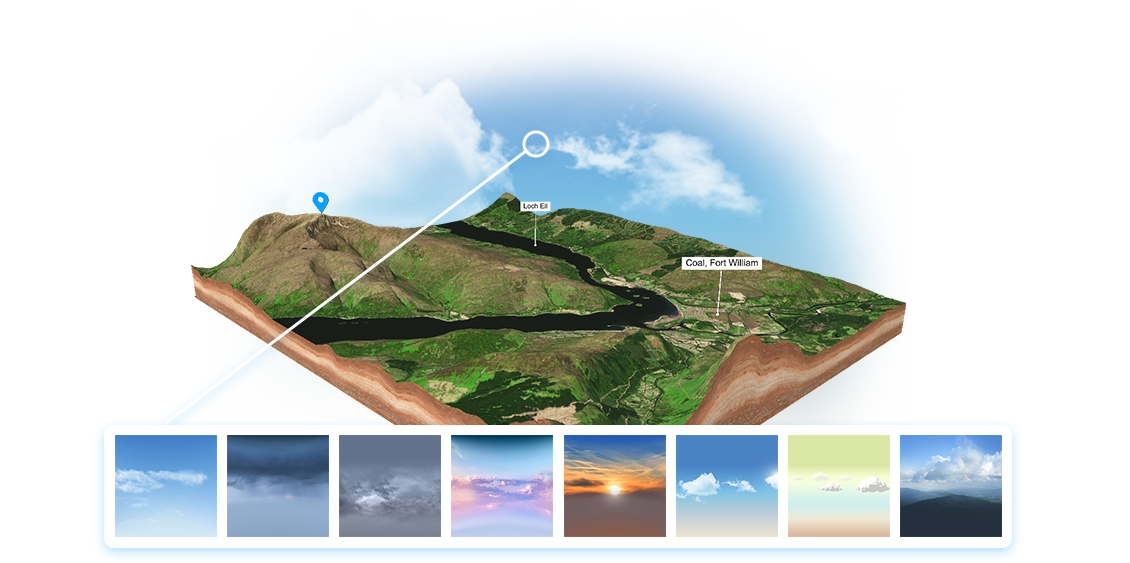
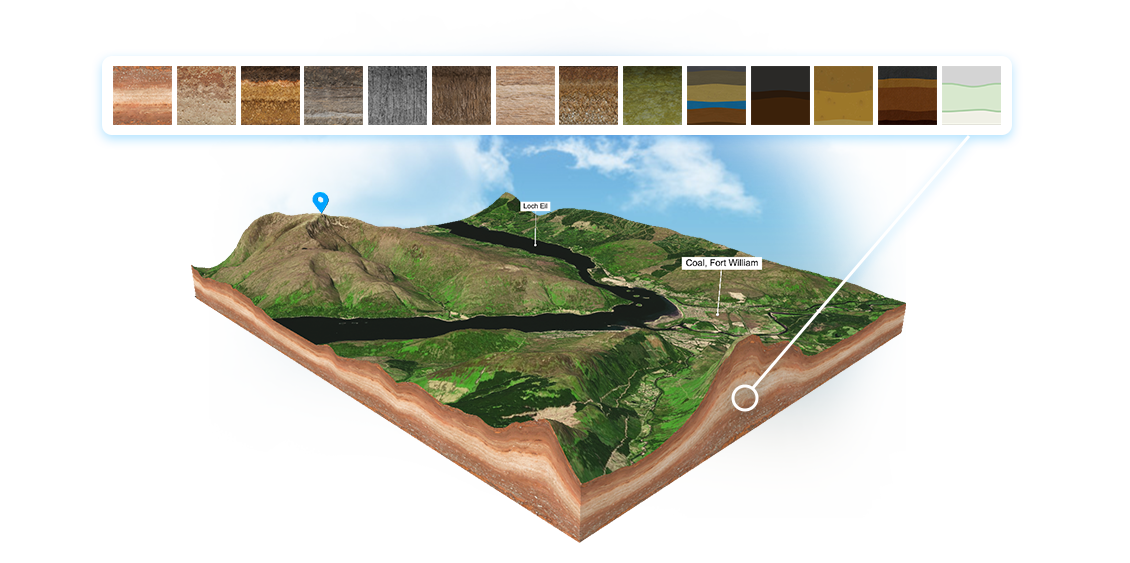
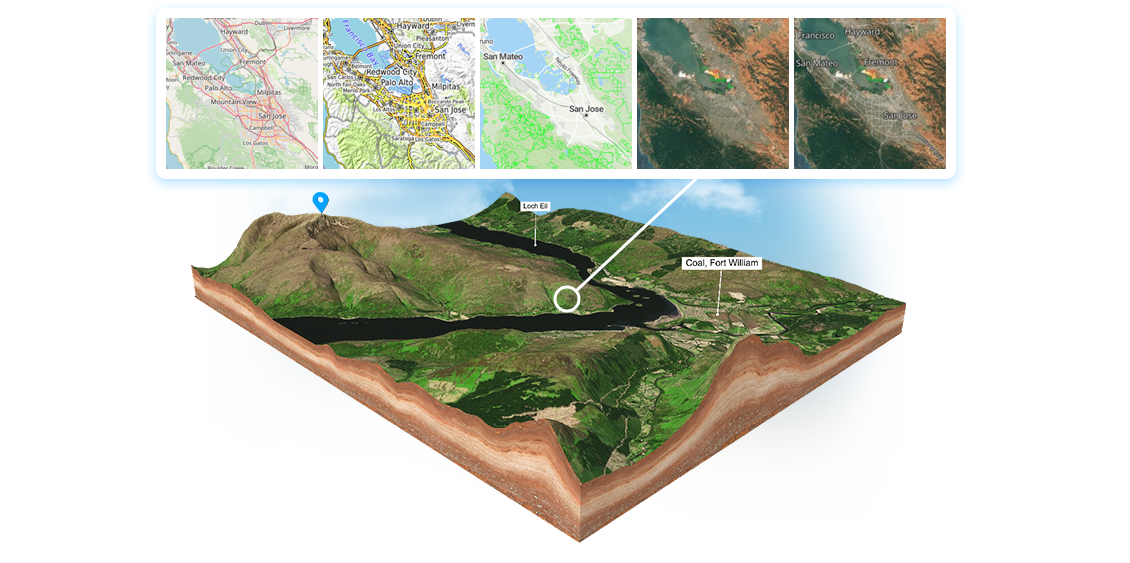
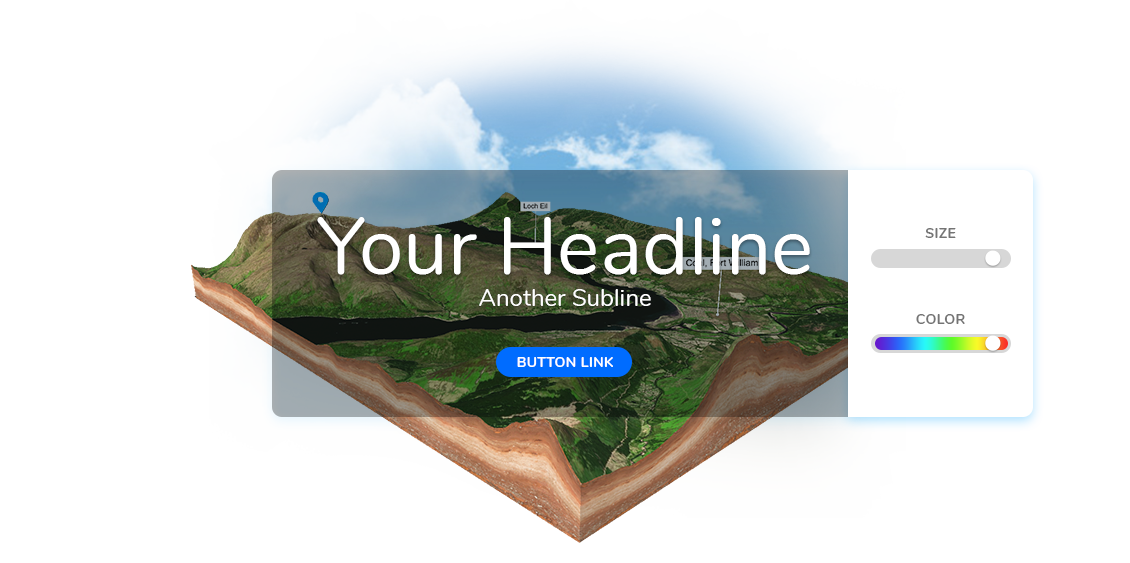
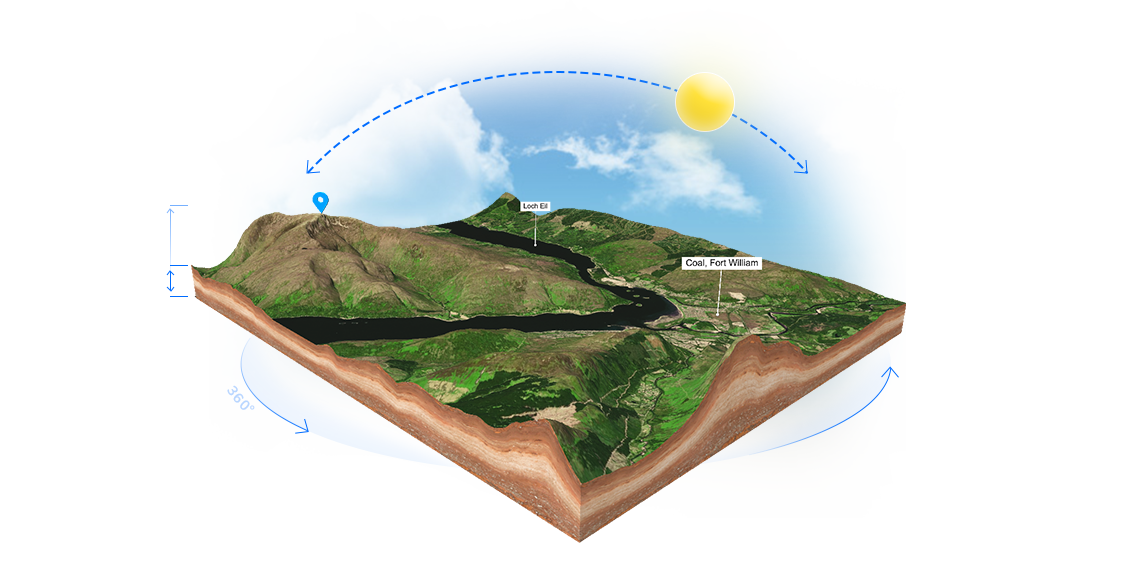
- Reset and edit all map features (except markers): map height, scene lighting, zoom, rotation, skybox theme, edge texture, water settings
- Import 3D maps with just one click
- Embed the maps with a simple shortcode
- Use your own texture and heightmaps
- Use the high-res texture layers
- Set canvas size
- Make the background transparent
- Disable zoom
- Add your own background image or color
- Hide map edges
- Add overlay: headline, subline and button
How the 3D Map WordPress Plugin Works
Using the 3D Map WordPress Plugin is straightforward, even for beginners. After installing the plugin through the WordPress dashboard or via FTP, you can connect it to your 3D-Mapper.com account by entering your personal access token. This connection allows the plugin to import your purchased or previously created 3D maps directly into WordPress with a single click.
Once the plugin is linked, you can browse your available maps inside the WordPress interface and import any map you want to display on your website. Each imported map appears in a list where you can edit it at any time and adjust parameters such as map height, lighting, rotation, background, textures and more. The 3D Map WordPress Plugin preserves nearly all settings from the Studio editor, ensuring that your map looks exactly the way you designed it.
Embedding your 3D map into a page is as simple as copying the automatically generated shortcode and pasting it into any text block or page builder section. This makes it easy to place interactive 3D maps inside posts, landing pages, tutorials, travel articles or product pages.
For advanced users, the plugin also supports manual updates via FTP without losing previously imported maps. This is especially useful when new features are released, allowing you to upgrade to the latest version while keeping your existing map projects intact. After updating, you can check whether lighting, textures and backgrounds display correctly and adjust them with the built-in editor.
The 3D Map WordPress Plugin is designed to offer a smooth workflow from map creation to website publication, making it one of the most efficient ways to integrate interactive 3D content into WordPress.
3D Maps Around the World